Description
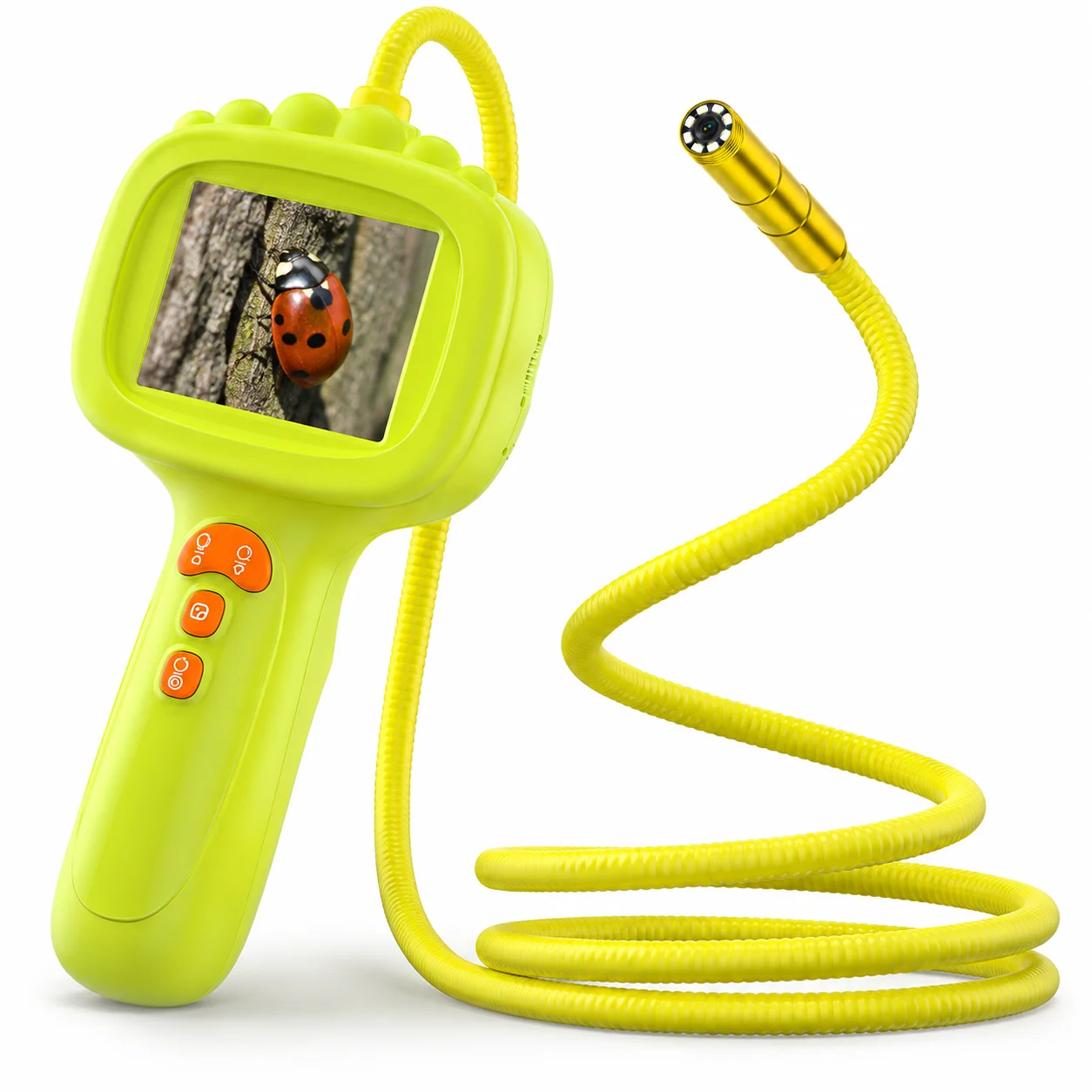
A kids endoscope camera is a flexible, USB Type-C camera on a slim cable for looking into small or hidden spaces. It suits curious children and families who want hands-on exploration, and whether it works depends on the connected device supporting external cameras.
A kids explorer endoscope camera is a small, flexible camera on a slim cable, designed to let a child look into places that are normally out of sight: the gap behind a radiator, the inside of a pipe, the back of a cupboard, a tube or a hollow space in the garden. It turns a question such as “what is in there?” into something a child can see for themselves, which is the main reason families buy one.
The situation it is bought for
Most buyers are parents or teachers looking for a hands-on way to start a conversation about how things work. A child who has watched a bug disappear behind the skirting board, or who wants to see what a snail looks like from underneath, can be given the camera, asked where they think the creature has gone, and then shown the answer on a screen. The activity works best when an adult sits alongside, points the lens and talks through what is on the display.
How it works
The camera sits at the end of a flexible cable. You feed the tip into the space you want to look at, then watch the image on the connected screen while you move the cable gently. Because the cable bends, it can follow a curve or go around an obstacle, which a rigid viewer cannot do. Keep movements slow and steady so the picture stays clear and the cable does not kink or get pulled tight against an edge.
Connecting it
The plug is USB Type-C, so it connects to any device with a matching port, such as a modern tablet, laptop or phone that supports a compatible camera connection. Older devices with a standard USB-A port will need a suitable adapter, and it is worth checking that the device you intend to use reads external cameras before the first session. Plug it in before handing it over, so the child is not left waiting on set-up.
Who it suits
It suits curious children who like taking things apart, looking closely or asking why, and it works well for siblings and for small groups in a classroom or a holiday club. It is a sensible choice for a child who enjoys hands-on investigation more than screen-based games, because the screen is the window onto something real rather than the activity itself.
Practical situations
Good uses include checking under furniture for a lost toy, looking inside a bird box without disturbing the nest, seeing the structure of a plant stem, exploring the inside of a cardboard tube or a rolled-up sock, and examining a dead insect in a clear container. Keep the lens away from anything wet, and avoid pushing the cable into a space where it could get stuck, pinched or forced.
Real limitations
The cable is a thin, flexible part and should be treated as one. Do not bend it sharply at the joint with the camera, do not force it into a gap that resists, and do not leave it coiled tightly for long periods. The image quality is suited to close-up looking and to fun discovery, not to detailed technical inspection. A child should always be supervised when the camera is in use, particularly around small spaces, and any cable or connection that becomes damaged should stop being used at once.
Getting the best from it
Before the first session, let the child see the screen image while the tip is still in the open air, so they understand what they are looking at. Ask them to predict what they will see before each new space, and talk through the result afterwards. That short routine turns a few minutes with the camera into a proper observation activity, and it is the part most families remember.
Key benefits
- Flexible cable lets a child look around corners and into curved spaces where a rigid viewer cannot reach.
- USB Type-C plug connects directly to compatible modern devices, so set-up takes little time.
- Slim camera tip fits into small gaps, tubes and openings for close-up looking.
- Gives a child a hands-on way to investigate and ask questions about hidden places.
- Suits group use in classrooms and clubs because one device can be passed around.
Specifications
| SKU | 3256813134483717 |
|---|---|
| Colour | Green |
| Ships From | United States |
| Voltage/Plug Type | USB Type-C |
Specifications are as supplied by the manufacturer.
 Thick Cashmere Wool Winter Socks
 Kids’ Creative Pottery Wheel – DIY Ceramic Art Studio
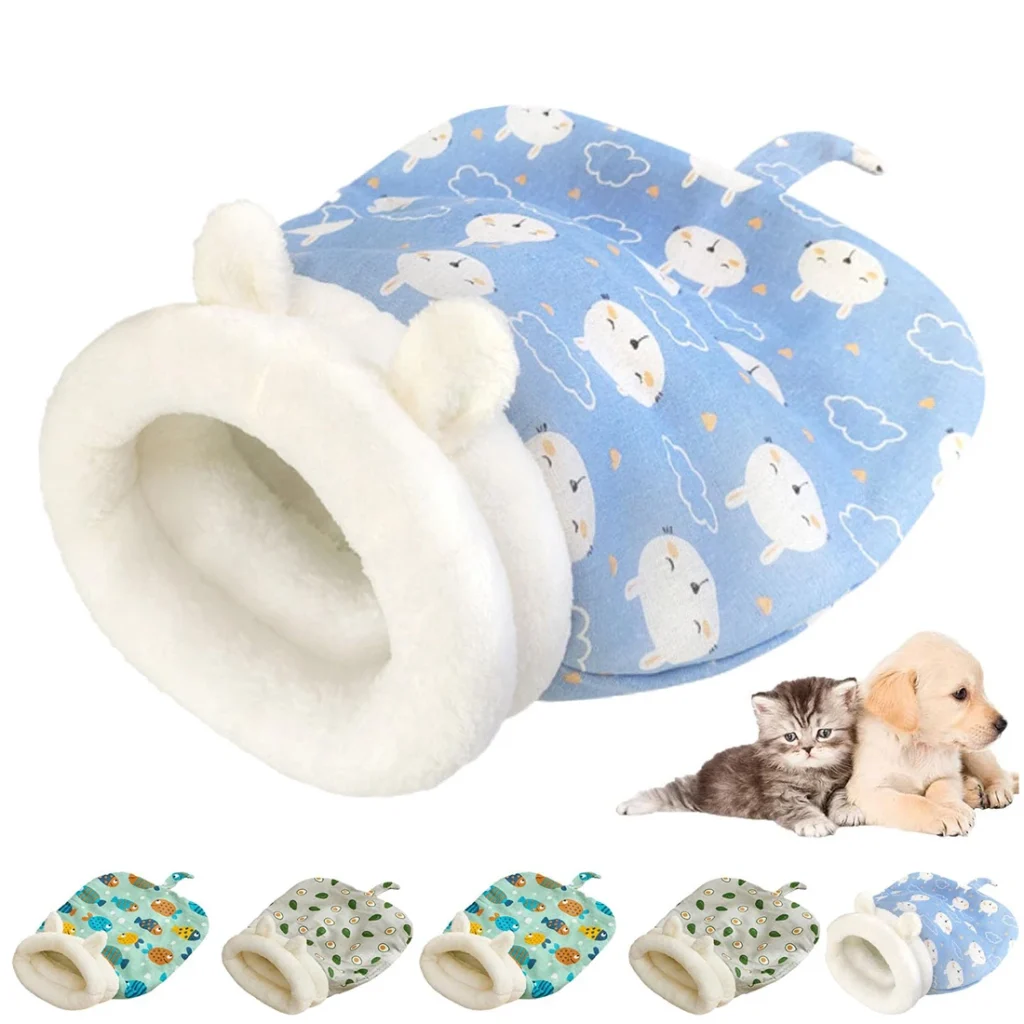
 Cozy Plush Pet Sleeping Bag
 Penguin Safety Alarm




Reviews
There are no reviews yet.